Products
AI Illustrator — Bring Your Documents to Life
AI reads your text, detects described scenes, and generates contextual illustrations automatically.
Table of Contents AI — Build Structure Instantly
Automatically finds headings, subheadings, and creates a nested Table of Contents with clickable links.

AI Resume Analyzer — Score, Gap-Check and Improve
Get a numeric job-fit score, skill gap breakdown, and red flags list that could disqualify your application — with actionable fixes.
AI Checklist Generator — Structured Lists in Seconds
Generate Tasks, Learning, Preparation, or Analysis checklists at Direct, Moderate, Detailed, or Comprehensive depth from any content.
AI Abstract Generator — Distill Any Document
Choose from Academic, Technical, Business, Informative, or Descriptive style — the AI adapts language and structure to your audience.

Assembly Chat AI — Chat with Your .NET API
Semantic search over public methods, properties, and XML comments. Find what you need faster than MSDN or IntelliSense.
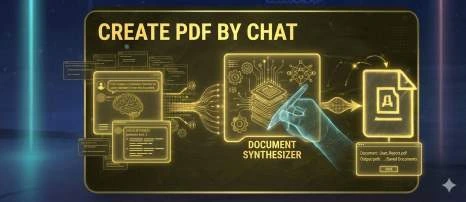
Chat with PDF — Ask Questions, Get Answers
Upload a PDF and ask questions about it. The AI extracts the full text and answers based on the document's actual content.
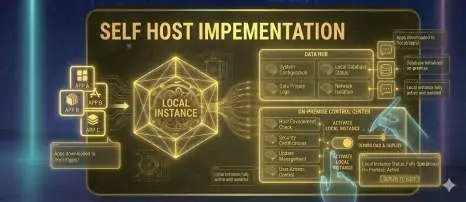
Self-Host PDF Tools — REST API on Your Server
Run document conversion, locking, and manipulation tools on your own infrastructure with full data privacy via REST API.
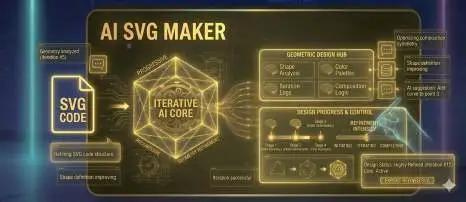
AI SVG Generator — Text to Layered Vector Art
Each SVG uses Background, Midground, and Foreground layers with Z-index ordering. AI keeps output clean and coherent automatically.

MCP Server — AI Document Tools for Claude and Cursor
Access PDF, OCR, and AI document tasks directly in Claude, Cursor, and VS Code via the Model Context Protocol.
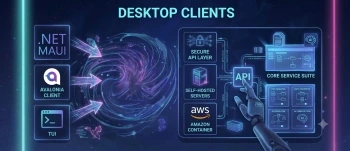
One Hub for All Documentize Clients
Connect to Documentize SaaS or your own on‑premise API with the same UI and commands.
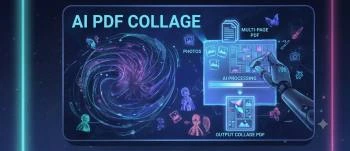
Transform Your Photos into a Beautiful Collage
AI detects faces, colors, and subjects to place images where they look best.
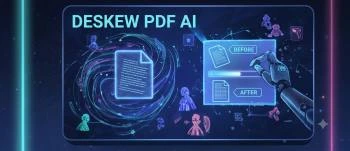
Auto‑Straighten Your Scanned PDFs with AI
OpenCV‑based angle detection with sub‑degree accuracy, far better than manual tools.