Instant Cheat Sheets from Any PDF — or Just a Topic
Upload Your PDF Document
Drop a PDF or select from cloud storage. The system parses text, tables, and images, builds a semantic index, and prepares an AI summarizer tailored to your document.
Processing Your File
Processing Complete!
Your files are ready for download.
Found 0 files
Processing Failed
An error occurred during processing.
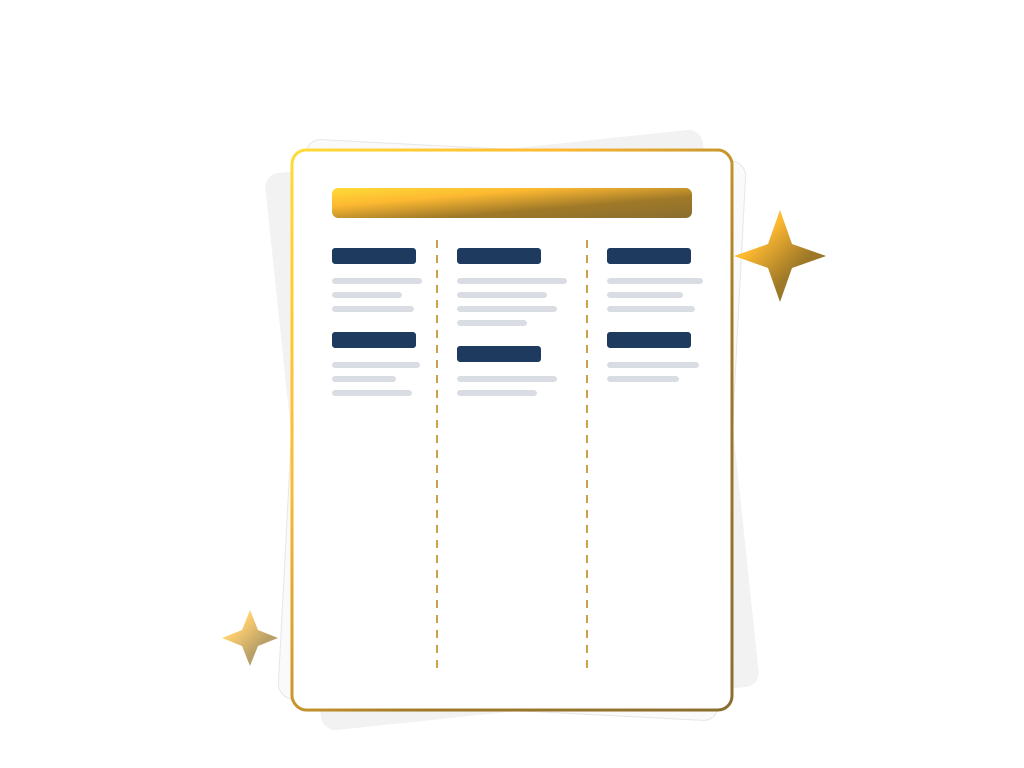
Upload a PDF, or simply describe a topic. Our AI pulls out the definitions, formulas, facts, and dates that matter, and lays them out as a compact, foldable reference card.
Turn a PDF, or just a topic, into a one-page AI cheat sheet. Choose what to pull out: definitions, formulas, key facts, dates, and a short summary. Then set the density, the page size (A4, A3, or US Letter), and the output language, and print a multi-column sheet that folds into a pocket reference card.
AI Cheat Sheet works in two stages instead of simply chopping your document into snippets. First, when a PDF is uploaded, the engine extracts the text already embedded in it; when no file is provided, the language model works directly from the topic you describe. It then reads through the material and sorts what it finds into the categories you selected — definitions, formulas, key facts, dates, and a short summary — returning each item as a structured, labeled entry rather than freeform prose.
Those entries are laid out as HTML with CSS multi‑column typography, not as a single scrolling block of text: font size, item spacing, and column count are set from your chosen density (Compact, Balanced, or Detailed) and page size (A4, A3, or US Letter), then rendered to PDF. A dashed rule runs down every column boundary — print the result and fold along the dashes to turn one flat page into a compact, pocket‑sized reference card.
How Cheat Sheet Works
1. Upload Your PDF
Select a PDF from your computer, cloud drive, or CI pipeline.
2. AI Parses and Indexes Content
The engine extracts the document’s text (or works from your topic), then sorts what matters into the categories you selected — definitions, formulas, key facts, dates, and a summary.
3. Summarization and Highlight Extraction
The AI identifies core concepts, key formulas, and critical diagrams, then condenses them into concise bullet points and visual snippets.
4. Generate Print‑Ready Cheat Sheet PDF
A beautifully formatted, A4‑size PDF is produced, ready for printing or sharing, with clickable table of contents and searchable text.
FAQs
AI Cheat Sheet Generator
Structured Extraction
AI sorts what it finds into definitions, formulas, key facts, and dates — not a generic paraphrase.
Print‑Ready Design
Professional layout with headings, icons, and optional branding.
Foldable Multi‑Column Layout
Dense, print‑ready columns with dashed fold lines — turn one page into a pocket‑sized reference card.
Simple, Transparent Pricing
Free Plan
- Create up to 5 illustrated stories per day without registration or payment.
Premium Plan
- Full access to all Documentize AI applications
- Extended daily processing limits
- Priority processing and free support
Premium Plan
- Full access to Documentize applications
- More advanced tools and features
- Extended file processing limits
- Free support