Transform Your Photos into a Beautiful Print‑Ready Collage
Upload Your JPG Photos
Select up to 30 high‑resolution JPG files. The system reads EXIF data, dimensions, and visual content to build a custom layout.
Processing Your File
Processing Complete!
Your files are ready for download.
Found 0 files
Processing Failed
An error occurred during processing.
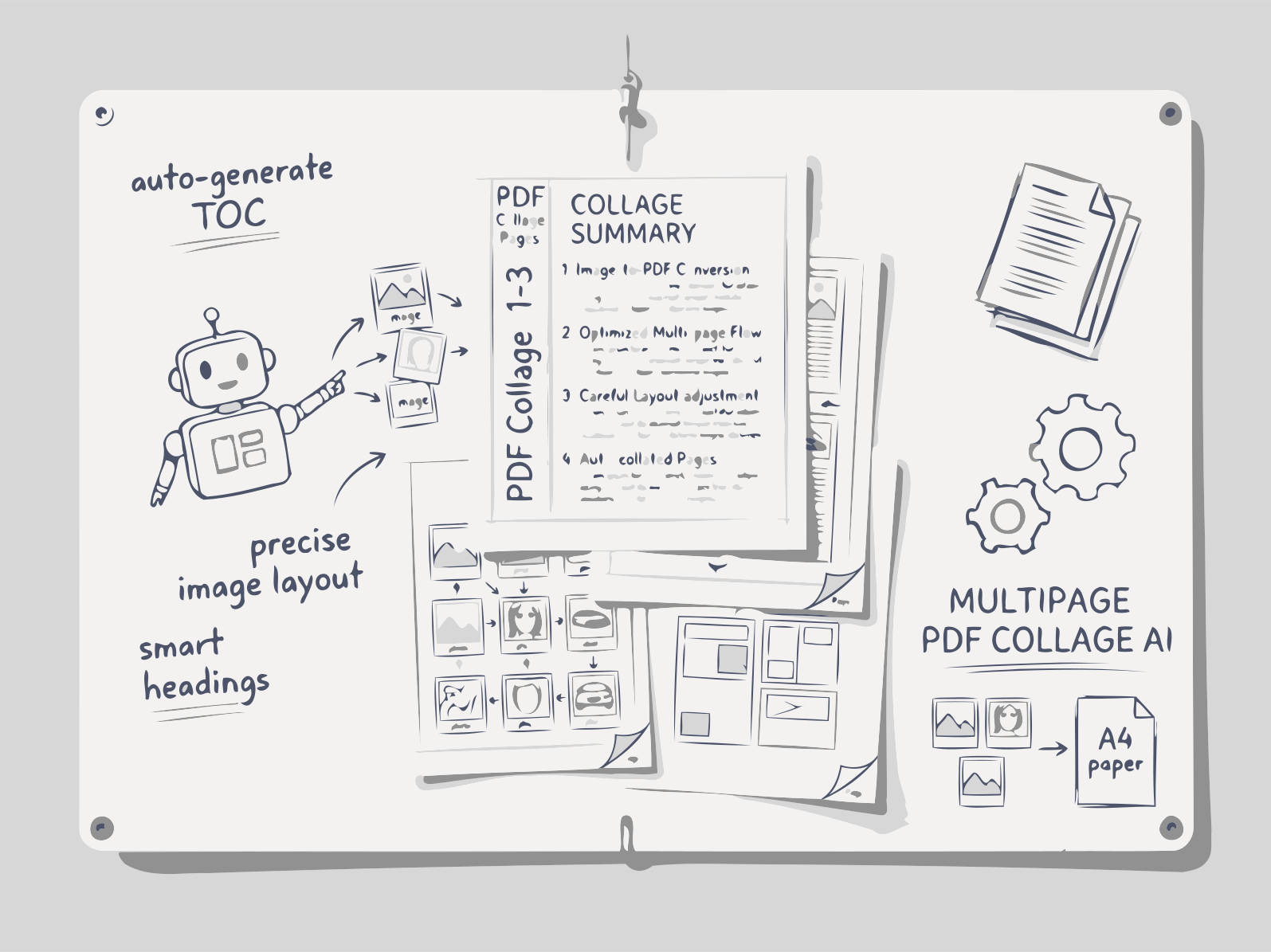
Upload multiple JPGs. Our AI evaluates each image, designs a harmonious composition, and delivers a print‑quality PDF in seconds.
Upload your JPG, PNG, or WebP photos and the AI collage maker builds a print-ready PDF photo album. A vision model scores every picture, features the most striking shots as full-width heroes, and crops around the main subject without distortion. Choose A4, Letter, or square pages, a layout, captions, and a cover title.
How Collage Builder Works
1. Upload Your Photos
Drag‑and‑drop or browse to select JPG images from your device or cloud storage.
2. AI Analyzes Content & Dimensions
The engine extracts colors, subjects, faces, and aspect ratios, then determines the best arrangement for visual harmony.
3. Layout Generation & Customization
AI creates a balanced collage, applies optional themes, borders, and captions. You can tweak spacing or swap images before finalizing.
4. Export Print‑Ready PDF
The final layout is rendered to a high‑resolution PDF (300 DPI) optimized for A4, A3, or custom sizes.
FAQs
AI Photo Collage
Smart Content Analysis
AI detects faces, colors, and subjects to place images where they look best.
High‑Resolution Export
PDF output at 300 DPI, ready for professional printing.
Custom Themes & Borders
Choose vintage, modern, minimalist styles, add captions, and adjust spacing.
Flexible Plans for Every Creator
Pro Plan
- Up to 30 images, premium themes, custom dimensions, priority processing.
- Extended daily processing limits
- Priority processing and free support
Premium Plan
- Full access to Documentize applications
- More advanced tools and features
- Extended file processing limits
- Free support