Chat with AI and Turn Ideas into PDF Documents
Chat with AI
Ask questions and get responses as PDF documents
PDF Output
Your PDF will appear here
Start a conversation to generate a PDF response
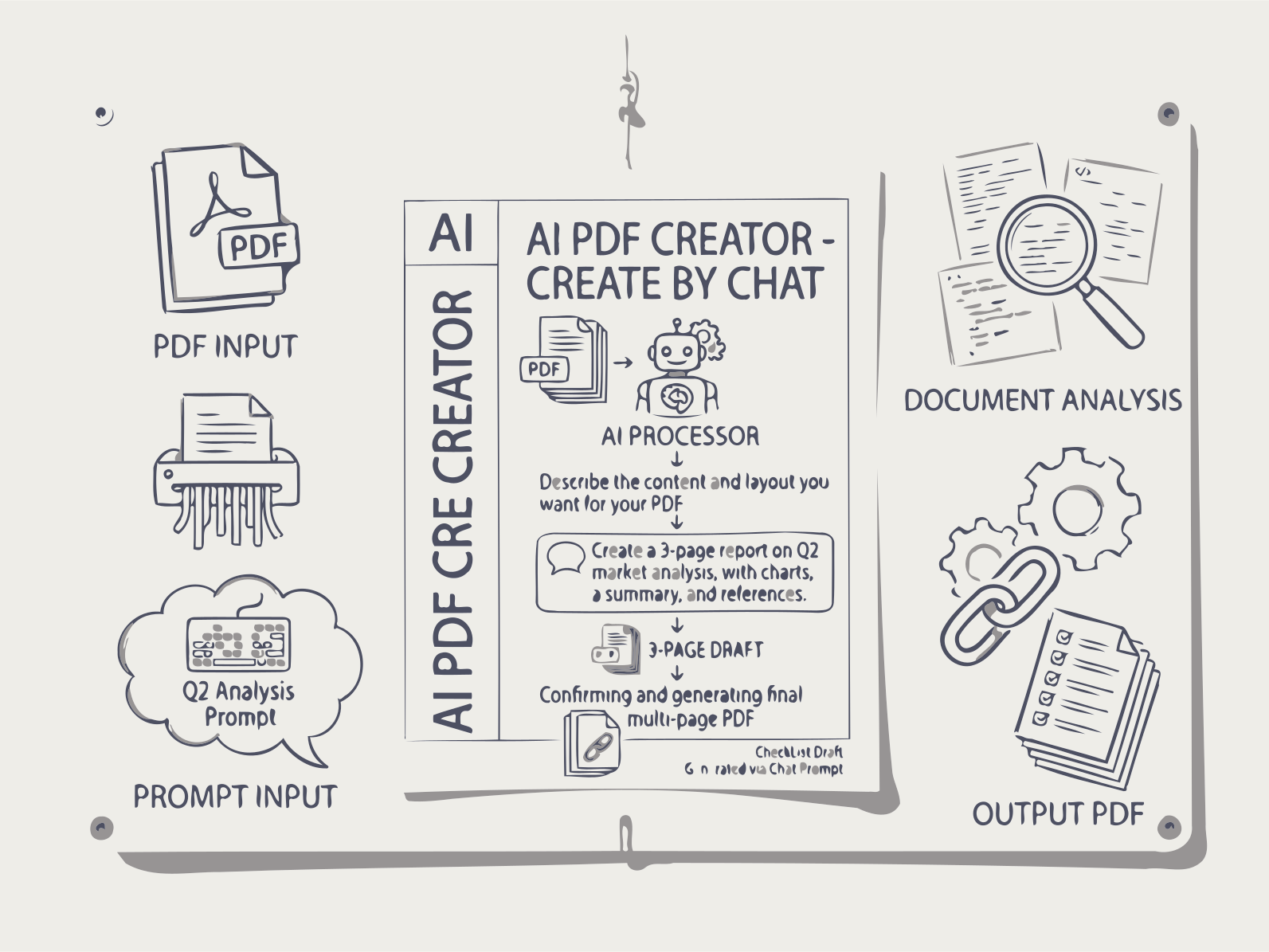
Build structured documents through natural conversation — describe what you need and get polished PDFs without a blank page.
Stop starting from a blank page. Describe what you need in plain English, and our AI chat to PDF engine builds a structured, editable document through natural conversation — perfect for drafts, proposals, reports, and collaborative writing where blank page syndrome kills productivity. Powered by RAG and modular .NET plugins, the system maintains context across long exchanges so you can refine your document continuously. Export polished PDFs with proper headings and formatting without ever touching a template.
AI Chat to PDF turns a plain-language request into a structured document instead of a wall of chat text. Your message is read on its own, or — if you attach a PDF — alongside the extracted text of that file, so the answer is grounded in the document's actual content rather than general knowledge whenever context is supplied.
The response is then composed with real document structure: headings, sections, and paragraph breaks are generated as part of the answer, not added afterward, and the result is rendered as a properly formatted, downloadable PDF rather than returned as a chat bubble. Behind this sits a modular, plugin-based .NET pipeline that handles the layout and formatting so the output looks like a document, not a transcript.
Conversation state persists across turns, so a follow-up like "expand section 2" or "make this more formal" produces an updated PDF that reflects the whole exchange so far, not a fresh, disconnected answer. Uploaded files and generated documents are processed only for the current session and removed automatically afterward.
How AI Chat to PDF Works
1. Ask AI a Question
Write what you need: a report, explanation, analysis, summary, or structured document.
2. AI Generates a PDF
The AI turns the answer into a structured PDF document with headings, sections, and readable formatting.
3. Read and Edit the PDF
Review the generated document. Correct text, add notes, or adjust sections directly in the PDF.
4. Continue the Conversation
Ask the AI to improve, expand, or rewrite parts of the document. The next PDF version updates your work instantly.
FAQs
AI Chat to PDF
PDF Context Grounding
Upload a PDF and ask questions about it. The AI extracts the full text, uses it as context, and answers based on the document's actual content — not just general knowledge.
Document Editing Loop
Edit the generated PDF and continue the conversation to refine the document.
Fast Document Creation
Create reports, explanations, summaries, or guides in seconds.
Simple, Transparent Pricing
Free Plan
- Create up to 5 illustrated stories per day without registration or payment.
Premium Plan
- Full access to all Documentize AI applications
- Extended daily processing limits
- Priority processing and free support
Premium Plan
- Full access to Documentize applications
- More advanced tools and features
- Extended file processing limits
- Free support