Create Clickable Table of Contents for Your PDFs
Upload Your PDF
Simply upload your document — no manual tagging or setup needed. The system analyzes your PDF structure and extracts headings automatically.
Processing Your File
Processing Complete!
Your files are ready for download.
Found 0 files
Processing Failed
An error occurred during processing.
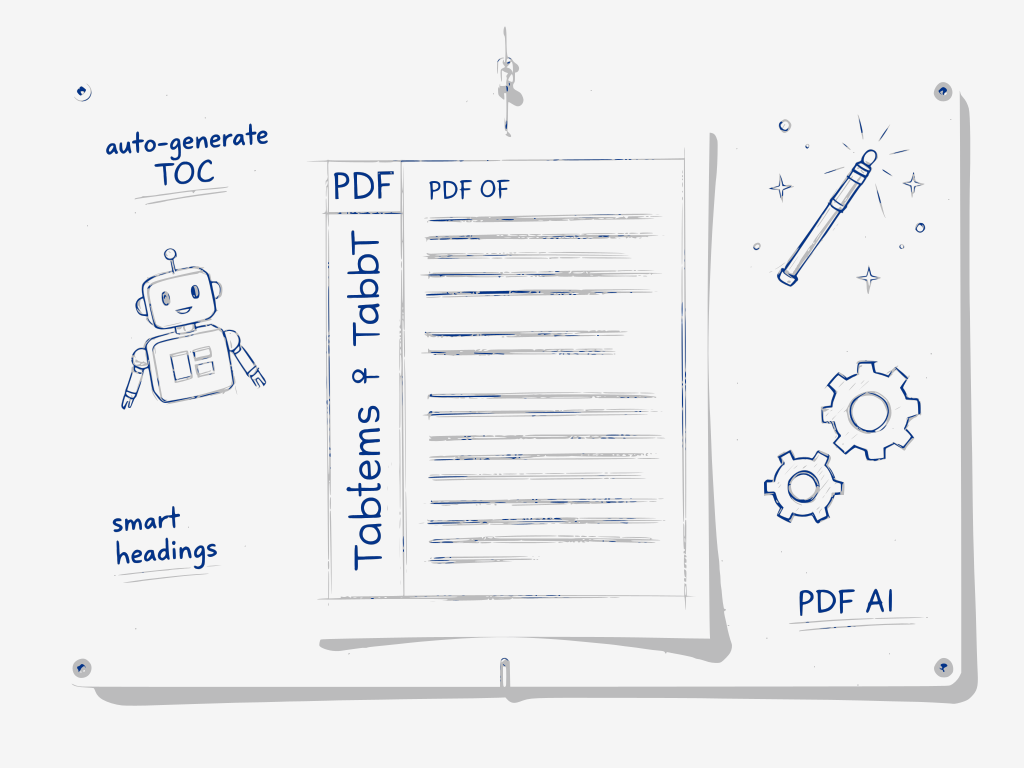
Create a clickable PDF table of contents in seconds — AI detects every heading and builds structured navigation automatically.
Add a clickable table of contents to any PDF. The AI detects headings from font size, weight, and spacing, checks them with a language model, and builds a nested outline, even in inconsistently formatted documents. You get PDF bookmarks for the navigation panel plus a contents page at the front, while the rest of your file stays unchanged.
PDF TOC Generator finds headings the way a layout actually signals them, then checks that reading with a language model before committing to a structure. A first pass analyzes font size, weight, and spacing across the whole document and ranks every line by how strongly it looks like a heading — this catches structure even in scanned or inconsistently formatted PDFs where a simple text-search or fixed style rule would miss it.
Those ranked candidates, together with supporting signals such as total page count, paragraph density, and the document's overall font range, are then passed to a language model. The model decides which candidates are genuine section headings rather than false positives — an all-caps label, a pull quote, a running header — and assigns each one a level (H1, H2, H3...) to build a properly nested outline rather than a flat list.
The validated outline becomes clickable PDF bookmarks in your reader's navigation panel, and the tool inserts a matching table-of-contents page at the front of the document. Nothing about the body text, images, or layout is modified — only navigation is added, and the file is not retained after you download it.
How It Works
1. Upload Your PDF
Select a PDF file from your computer. No registration or installation required.
2. Choose Heading Levels
Set how many heading levels (H1–H3, for example) should appear in your table of contents.
3. Generate Table of Contents
Font-size analysis identifies heading candidates ranked by prominence. A language model then reviews the top candidates alongside additional structural signals — page count, paragraph density, font range — to produce a validated, hierarchical TOC.
4. Download the Updated PDF
Download the updated PDF with both an embedded TOC page at the beginning and clickable PDF bookmarks in the navigation panel — compatible with any PDF reader.
FAQs
AI Table of Contents
Automatic Heading Detection
AI analyzes text size and formatting to identify headings automatically.
Clickable Outline Generation
Creates bookmarks that work as a structured navigation panel in your PDF reader.
One-Click PDF Export
Instantly download the updated PDF with embedded navigation.
Simple, Transparent Pricing
Free Plan
- Create up to 5 illustrated stories per day without registration or payment.
Premium Plan
- Full access to all Documentize AI applications
- Extended daily processing limits
- Priority processing and free support
Premium Plan
- Full access to Documentize applications
- More advanced tools and features
- Extended file processing limits
- Free support