Pages with skew angle > 0.5° are shown below (corrected).
Auto‑Straighten Your Scanned PDFs with AI
Upload Scanned PDF
Drop your scanned PDF or select from your file system. The system extracts each page as an image, builds a RAG index for fast semantic queries, and prepares the AI deskewer.
Processing Your File
Processing Complete!
Your files are ready for download.
Found 0 files
Processing Failed
An error occurred during processing.
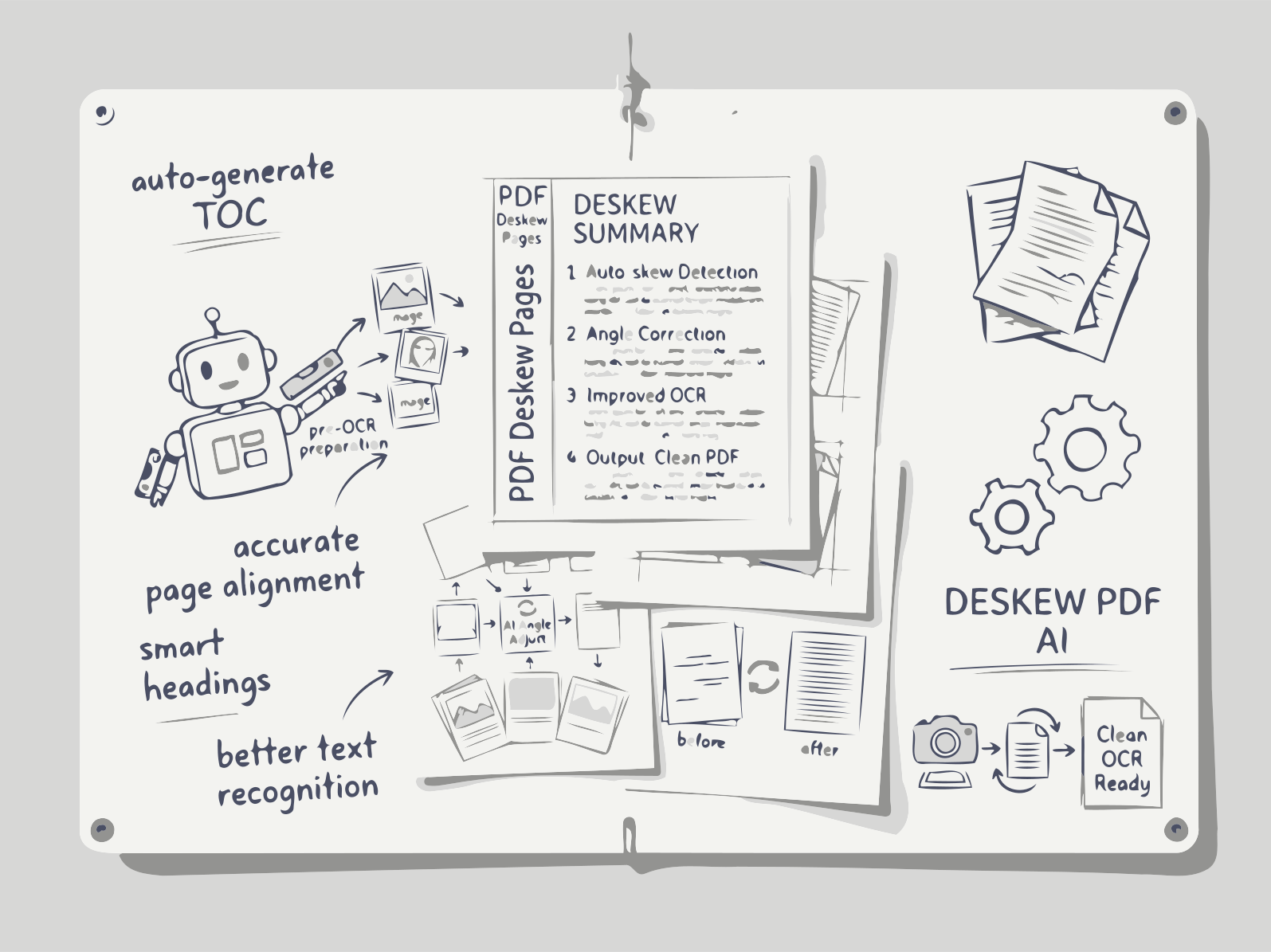
Upload a PDF. Our AI analyzes each page, finds the optimal rotation angle, and returns a perfectly aligned document.
Upload a crooked scanned PDF and the AI deskew tool straightens it automatically. Every page is analyzed with OpenCV line detection, its own tilt angle is measured, and the page is rotated back to level, with a preview of the pages that were corrected. No rotating page by page: download one clean, aligned PDF.
How Deskew Works
1. Upload Your Scanned PDF
Select a PDF file from your computer or cloud storage.
2. AI Extracts Page Images & Analyzes Skew
OpenCV converts each page to a bitmap, computes the dominant text line orientation, and determines the exact rotation angle.
3. RAG Index for Semantic Queries (Optional)
Metadata such as page numbers, detected angles, and confidence scores are vectorized, enabling instant answers like “Which pages were rotated more than 5°?”.
4. Apply Corrections & Re‑assemble PDF
Pages are rotated to 0°, re‑encoded, and the original OCR/text layer is preserved. Download the corrected PDF.
FAQs
AI PDF Deskew
AI‑Level Precision
OpenCV‑based angle detection with sub‑degree accuracy, far better than manual tools.
Zero‑Loss OCR Preservation
Rotates visual layer only, keeping existing text layers searchable and selectable.
Batch & API Access
Process multiple PDFs at once or integrate via REST API for automated workflows.
Flexible Plans for Every Workflow
Free Plan
- Up to 100 MB per PDF, unlimited chats, automatic skew correction, OCR preservation.
Premium Plan
- Full access to all Documentize AI applications
- Extended daily processing limits
- Priority processing and free support
Premium Plan
- Full access to Documentize applications
- More advanced tools and features
- Extended file processing limits
- Free support