Chat with AI and Turn Ideas into SVG Graphics
Describe your SVG
Tell the AI what vector graphic you need — iterate, refine, download.
SVG Preview
Your generated SVG will appear here
Describe a graphic in the chat to create it
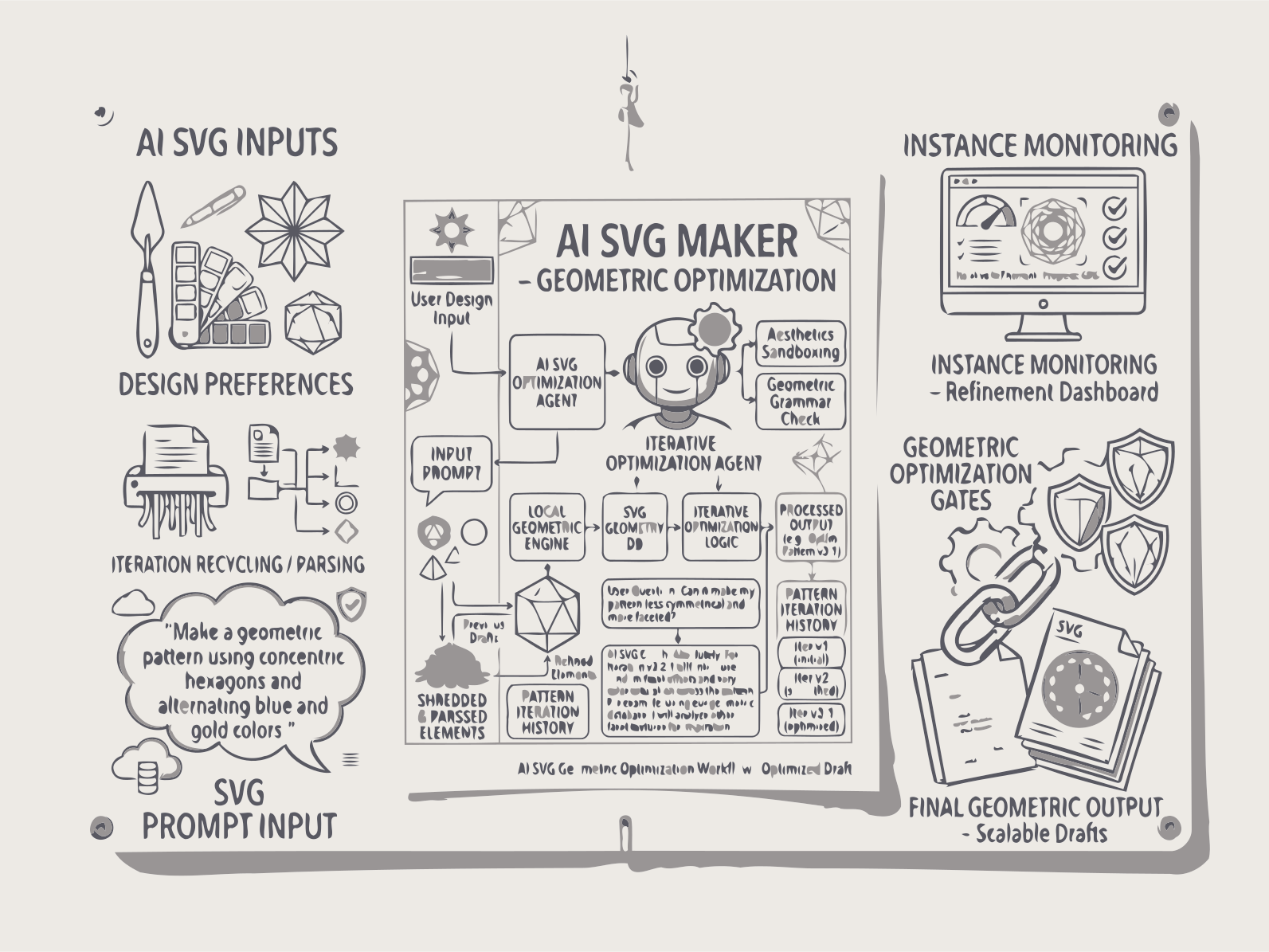
Describe any vector graphic in plain English — our AI creates clean, scalable SVG images through simple conversation.
Describe any vector graphic in plain English, and our AI SVG generator creates clean, scalable vector images through simple conversation. Generate logos, icons, diagrams, or illustrations — preview, edit with natural language like "make the mountains larger," and export standard SVG code that works in any design tool or browser. Web developers, product managers, and small business owners create professional vector assets without expensive design software or hiring freelancers. Unlike raster AI image tools that output pixel-based PNGs, Documentize produces true SVG vectors — infinitely scalable, perfectly crisp at any size, and editable line by line.
How AI SVG Generator Works
1. Describe Your SVG Idea
Write what you need: icon, illustration, logo, diagram, or UI element.
2. AI Generates SVG Code
The AI creates scalable SVG markup with shapes, paths, colors, and structure.
3. Preview and Edit SVG
View the SVG instantly. Adjust design, colors, or elements visually or through prompts.
4. Refine with Chat Loop
Send new prompts to improve, modify, or expand the SVG. Each step updates your design in real time.
FAQs
AI SVG Generator
Depth-Layered SVG Architecture
Each SVG is composed of Background, Midground, and Foreground layers with Z-index ordering and dependency tracking. The AI manages layer relationships and removes underperforming layers automatically to keep the output clean and coherent.
Iterative SVG Editing
Improve and modify SVG designs through continuous AI chat.
Fast Vector Creation
Create icons, logos, and illustrations in seconds.
Simple, Transparent Pricing
Free Plan
- Create up to 5 illustrated stories per day without registration or payment.
Premium Plan
- Full access to all Documentize AI applications
- Extended daily processing limits
- Priority processing and free support
Premium Plan
- Full access to Documentize applications
- More advanced tools and features
- Extended file processing limits
- Free support