Collage Preview
將您的照片轉換為精美的可列印拼貼
上傳您的 JPG 照片
選擇最多 30 個高解析度的 JPG 檔案。系統會讀取 EXIF 資料、尺寸與視覺內容,以建立自訂版面配置。
Processing Your File
File: -
Folder: -
Uploading... 0%
0 100
Please wait while we process your file...
While you wait: Documentize.Collage CLI plugin — run it from your terminal Arranges a set of images into a single collage PDF page. Batch whole folders, script it in CI, keep files on your machine. Included in the subscription — founder deal: a full year for one month's price. Get the plugin →
Processing Complete!
Your files are ready for download.
Found 0 files
Need this again? Documentize.Collage CLI plugin — run it from your terminal Arranges a set of images into a single collage PDF page. Batch whole folders, script it in CI, keep files on your machine. Included in the subscription — founder deal: a full year for one month's price. Get the plugin →
Processing Failed
An error occurred during processing.
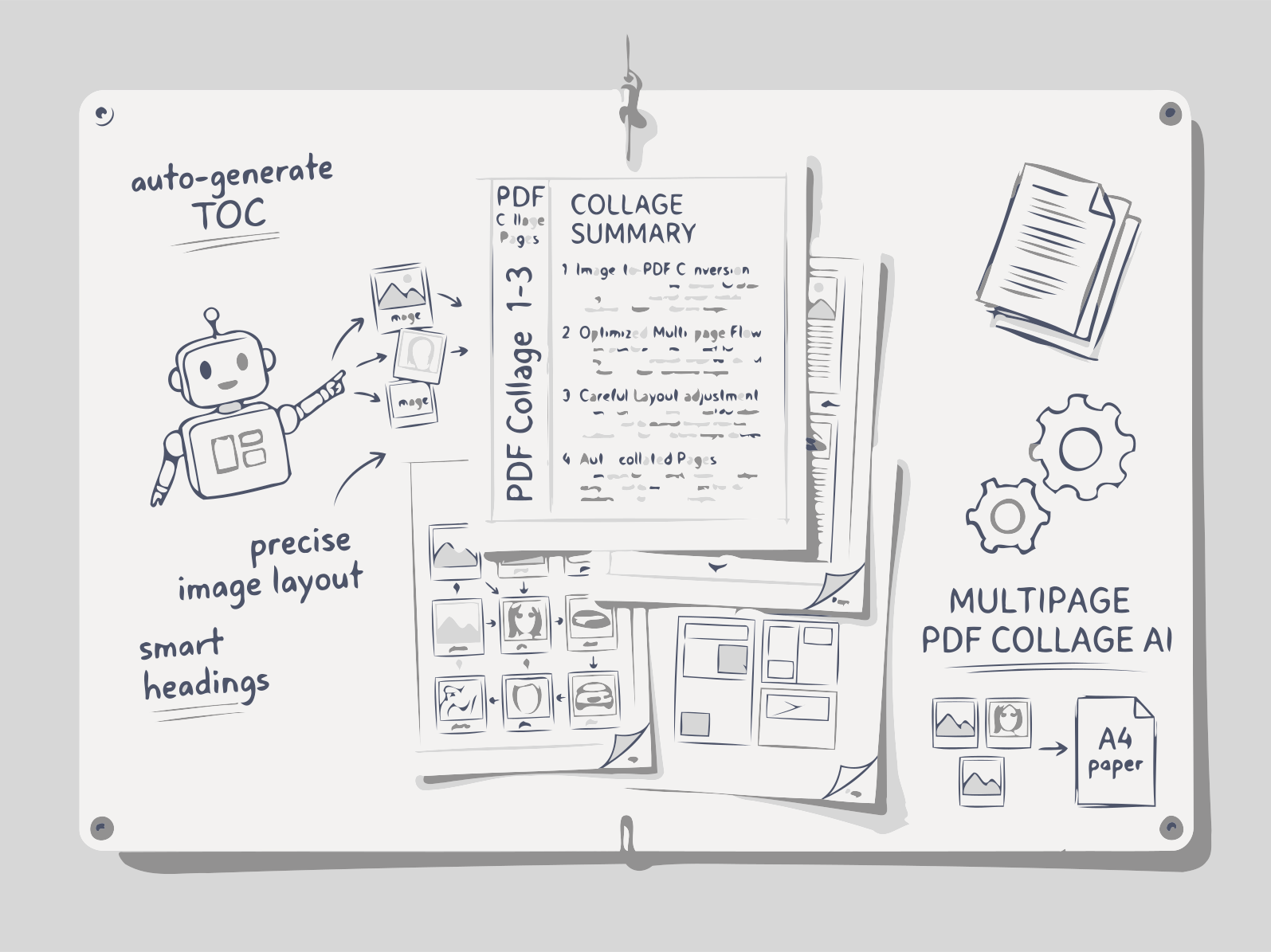
上傳多張 JPG。我們的 AI 會評估每張圖像,設計出和諧的構圖,並在數秒內交付可列印品質的 PDF。
用 AI 將照片製作成可直接列印的 PDF 照片拼貼或相簿。上傳 JPG、PNG 或 WebP 圖片,視覺模型會為每張照片評分、撰寫說明並辨識主體。構圖規劃器會安排說故事的照片順序,把最出色的橫幅照片放進整頁寬度的主圖列;每次裁切都以主體為中心,人臉和物體絕不會被裁掉或拉伸變形。
版面採用 Google 相簿和 Flickr 所用的左右對齊列排版:每張照片保持真實長寬比,每一列都從頁面一側鋪滿到另一側。可選擇自動、對齊、格狀或馬賽克版面,A4、US Letter 或方形頁面的直向或橫向,以及間距、邊界、每頁照片數、照片說明和封面標題。免費線上拼貼工具,無需設計技能,也不用 Photoshop。
Documentize.Collage CLI plugin — run it from your terminal Arranges a set of images into a single collage PDF page. Batch whole folders, script it in CI, keep files on your machine. Included in the subscription — founder deal: a full year for one month's price. Get the plugin →
拼貼製作工具如何運作
1. 上傳您的照片
拖放或瀏覽以從您的裝置或雲端儲存空間選取 JPG 圖片。
2. AI 分析內容 & 尺寸
引擎會提取顏色、主題、臉部和長寬比,然後確定最佳的視覺和諧排列。
3. 版面生成 & 客製化
AI 生成平衡的拼貼,套用可選的主題、邊框和說明文字。您可以在最終確定前微調間距或交換圖像。
4. 匯出列印就緒 PDF
最終版面會渲染成高解析度 PDF(300 DPI),針對 A4、A3 或自訂尺寸進行最佳化。
FAQs
接受哪些圖像格式?
完整支援 JPG 與 JPEG;接受 PNG 檔案,並於上傳時轉換為 JPG。
我可以上傳多少張圖片?
每個拼貼最多可上傳 30 張圖片(較大的集合可分割成多個 PDF)。
匯出的 PDF 解析度是多少?
PDF 以 300 DPI 產生,適合最高 24 吋的高品質列印。
我的照片在處理後會被儲存嗎?
圖像在記憶體中處理,PDF 產生後立即刪除。我們的伺服器上不會保留任何檔案。
我可以手動調整版面嗎?
是的。在 AI 產生初始版面後,您可以拖曳圖像、調整間距、選擇不同的邊框,或在匯出前套用濾鏡。
AI 照片拼貼
智慧內容分析
AI 能偵測臉部、顏色與主體,並將影像放置在最適合的位置。
高解析度匯出
PDF 輸出為 300 DPI,適合專業列印。
自訂主題與框線
選擇復古、現代、極簡風格,加入說明文字,並調整間距。